Set up once. Use again.
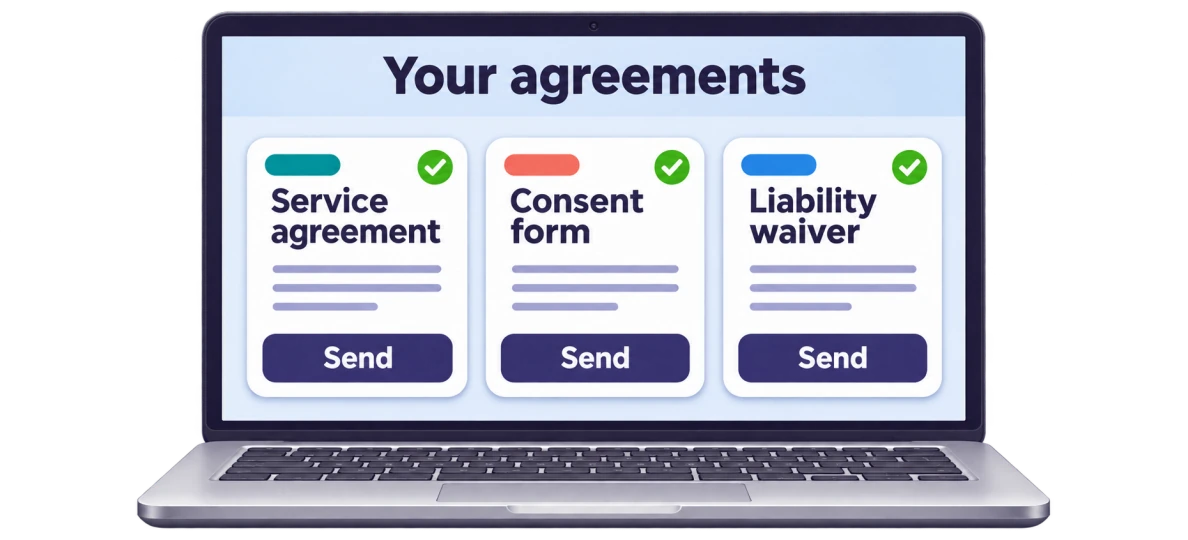
Once an agreement is set up, keep it as a reusable template. Add each customer’s details and share a new link without using more of your monthly pages.
Online agreements for New Zealand businesses
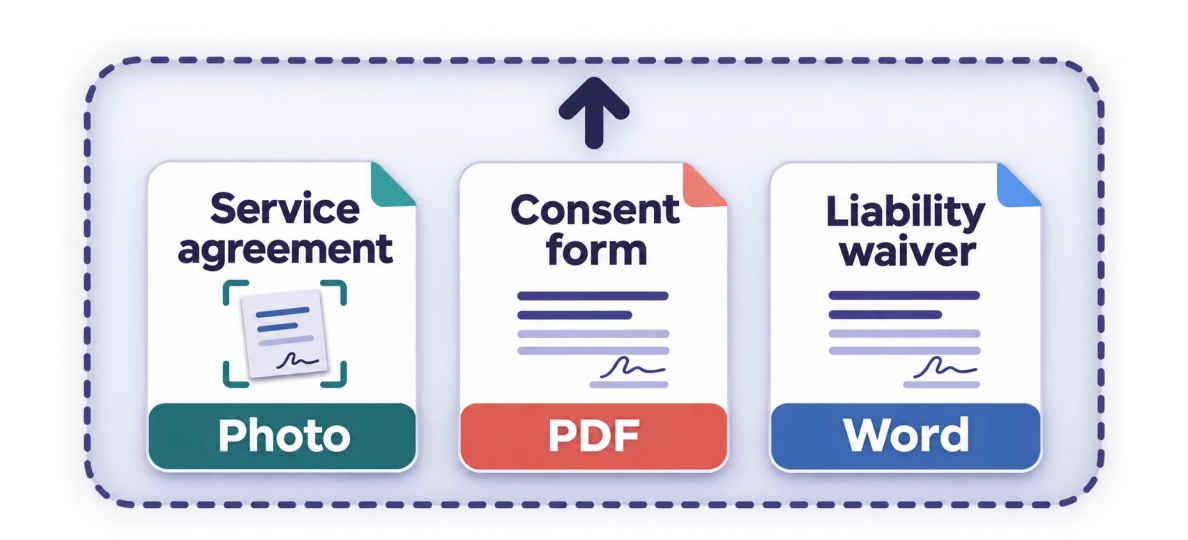
Send us a photo or scan of your paper agreement, a PDF, or a Word document. We prepare a reusable, fillable online form your customers can complete and sign.
Email it to us or upload it: a photo or scan, a PDF or a Word document.
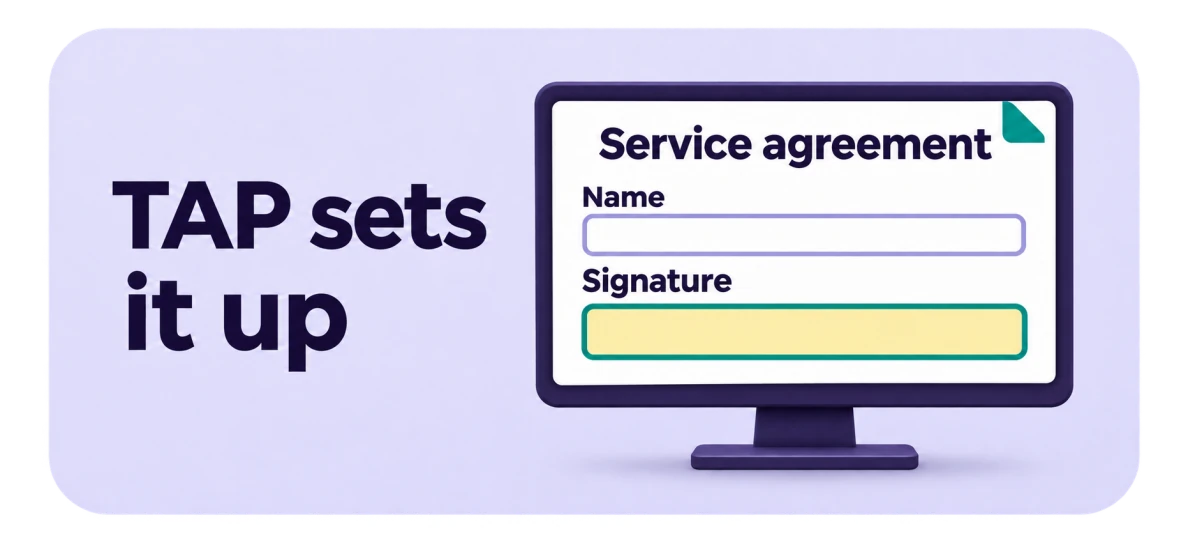
We set up your agreement as an online form, with places to fill in and a place to sign. We don’t reword it or add clauses.
See the online version beside your original. Nothing can be signed until you approve it, and we correct our own setup errors without using more of your pages.
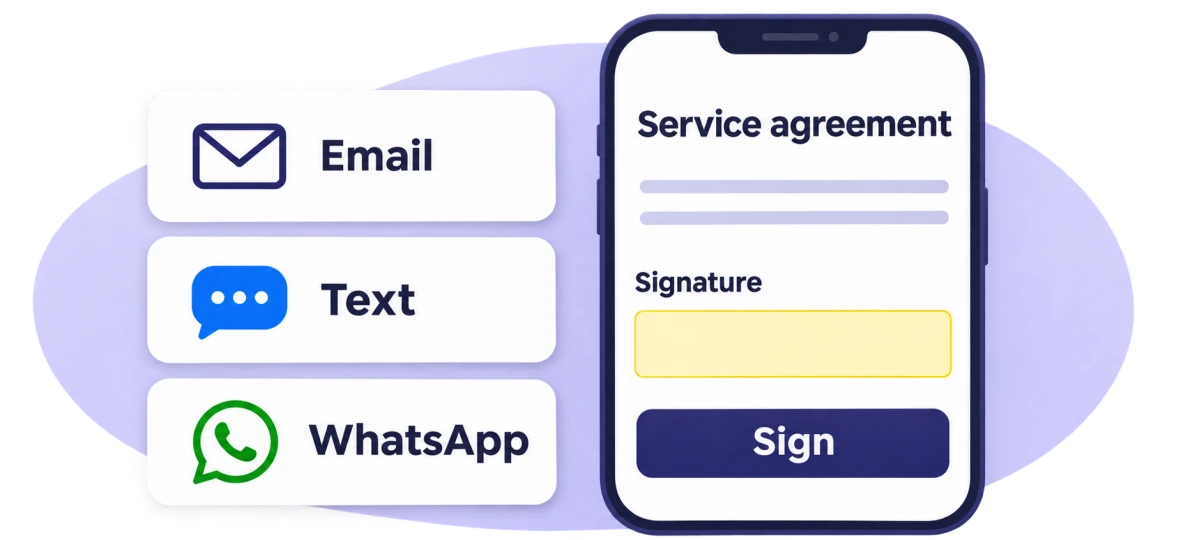
Copy the link or show its QR code, and send it by email, WhatsApp or any channel you use. Your customer fills it in and signs, and the completed agreement is kept in your workspace.
Once an agreement is set up, keep it as a reusable template. Add each customer’s details and share a new link without using more of your monthly pages.
Your online agreements carry your business name, logo and colours, so customers see who the agreement is from.
Bring your staff into one business account, with no per-user fees. Add or remove team members as your business changes.
Completed agreements are kept together in your workspace, ready to view and download when you need them.
Two plans with one difference: the number of pages we set up for you each month. Everything else is the same.
50pages prepared each month
For a business getting its everyday forms ready to fill in and sign.
150pages prepared each month
For a business with more or longer agreements to set up each month.
No. Every agreement is set up by TAP. You send the document you already use, we add the places to fill in and the place to sign, and you check the result.
Your wording stays exactly as you wrote it: we don’t reword it or add clauses. The layout is adapted to a screen, so the online agreement flows as one document that reads well on a phone. It will not look identical to the printed page.
Yes. Nothing can be signed until you have reviewed the online version and approved it. You can edit it yourself or ask us to correct it. Ordinary edits use no pages, and we fix our own setup errors without using more of your pages.
A page is counted when TAP starts preparing it. Regular includes 50 pages a month and Premium includes 150, so preparing a 10-page agreement on Regular leaves 40 for that month. Editing, copying and reusing an agreement that is already set up uses none. Your monthly pages are used before any page pack you buy. The plan terms call these conversion pages.
Yes. Once an agreement is set up, it is a template: add each customer’s details and share a new link as often as you need. Your staff work in the same business account with no per-user fees, and you can add or remove members.
No. Your customer opens your link in a web browser, fills in the agreement and signs. They don’t need an account, and after signing they can view, save or print their signed copy.
TAP is operated by Ardor Service LLC in Pasadena, California. Email support@tapagreements.com with any question about the service.
Have another question? support@tapagreements.com
Send us the agreement you already use. We’ll prepare the online version for you to review.
With your permission, we use Google Analytics through Cloudflare Zaraz to measure page visits and navigation clicks. You can decline or change your choice here at any time.