Your business on every agreement
Add your business name, logo and colours so customers recognise who they are dealing with.
Online agreements for businesses in Great Britain
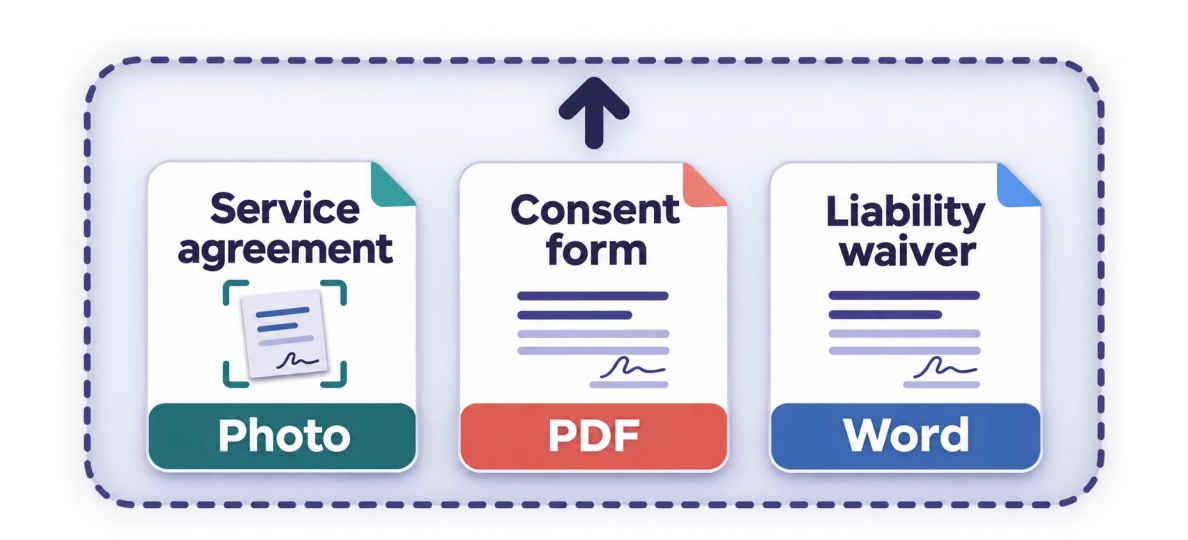
Send us your contract as a PDF, Word document, scan or photo. TAP converts it into a reusable online agreement with the form fields and places to sign set up for you. Share a link for your customers to fill in and sign, then reuse the agreement with your next customer.
From £6.49 per month per business, before applicable tax.
The complete example will be available here soon. It will follow one agreement through these three stages using fictional details.
The agreement supplied to TAP.
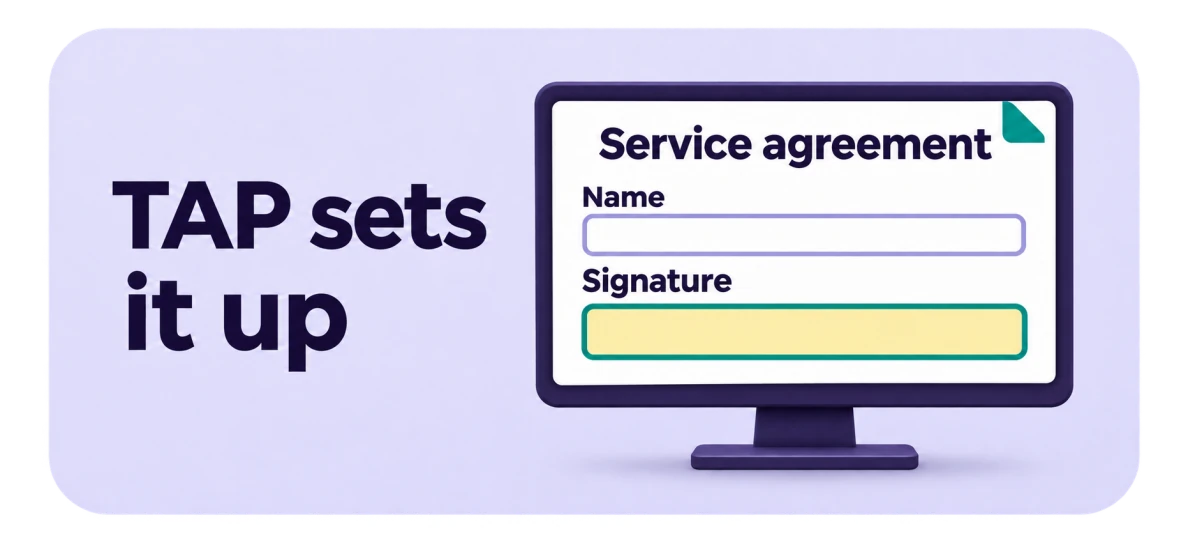
The converted version with spaces for the customer’s details and signature.
The record produced after the example agreement is completed and signed.
Want to digitise paper forms instead? Send a clear scan or photograph. TAP prepares the online agreement from the document you supply.
Send a PDF, Word document, scan or clear photo, with every page included.
We prepare the online agreement with fields for customer details and signatures, along with your business branding. You can check the finished agreement and make any changes you need.
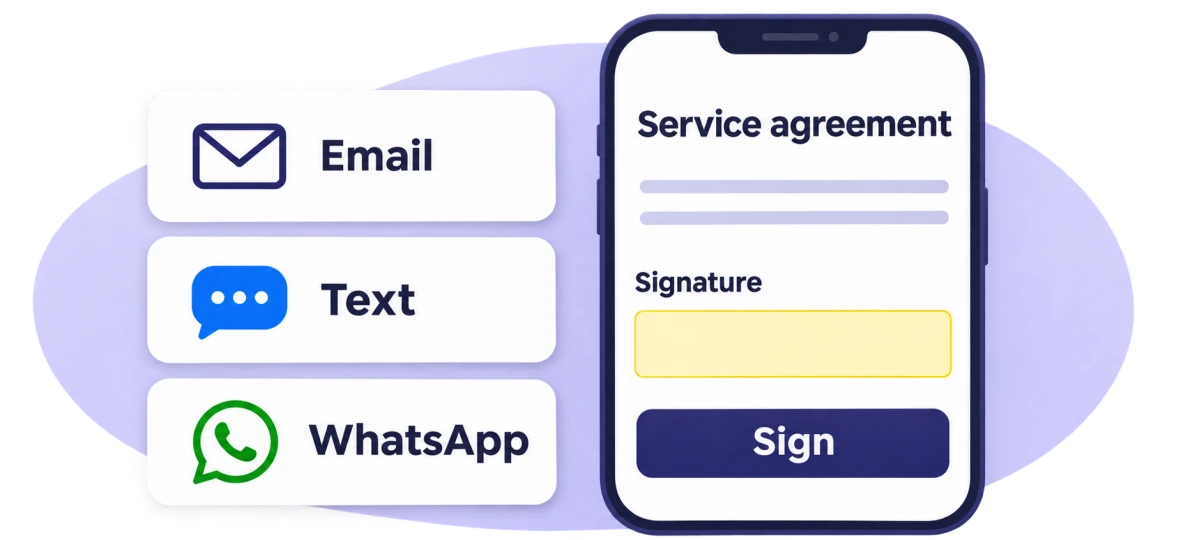
Send a link by email, text message or WhatsApp, or display a QR code. Your customer fills in and signs the agreement in their browser. Keep the completed record and PDF receipt, and use the template again for your next customer.
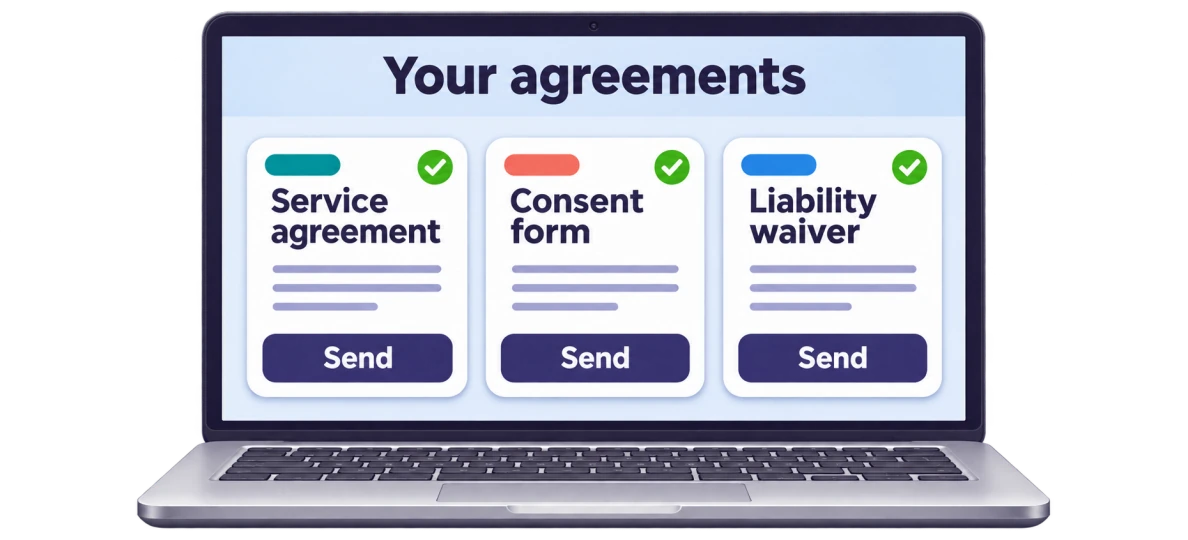
Keep each prepared agreement as a reusable template. Use it for another customer without using any more pages from your allowance. Ordinary edits and copying an existing agreement also use no new pages.
Add your business name, logo and colours so customers recognise who they are dealing with.
Give your staff access to the same business workspace, with no per-user fees. Keep your agreements and completed records together.
Choose how many document pages you want TAP to prepare each month. Both plans include reusable agreements, your branding, team access and online signing.
Registration and purchases are not open yet in Great Britain.
£6.49 per month per business
50 pages prepared each month
£16.99 per month per business
150 pages prepared each month
Prices are before applicable tax. When purchases open, you’ll see the total and your renewal choice before payment. Automatic renewal is optional.
There is no fixed monthly quota on signing links or signatures for one business’s ordinary use, subject to fair use and disclosed service limits. Resale, platform use and bulk automation may require an Enterprise agreement.
Read the fair use policyIf we start preparing a 10-page agreement on Regular, that uses 10 of your 50 monthly pages. Reusing that agreement with your next customer uses no additional pages.
Optional page packs are available separately with an active subscription. There are no automatic top-ups.
Full pricing and page-pack termsYes. Send a clear scan or photo with all pages and text visible. TAP converts it into an online agreement and sets up the fields and places to sign.
The layout is adapted for a screen and may look different from the paper original. TAP keeps your wording. You can review the prepared version before sharing it.
No. TAP prepares them for you. You can edit the agreement or ask us to correct a set-up error. Ordinary edits and corrections to our set-up errors do not use more pages.
No. They open your link in a web browser, fill in the agreement and sign. After signing, they can view, save or print their signed copy.
TAP prepares a reusable online agreement that your customers complete and sign in their browser. A PDF receipt records the completed signing.
Yes. Renewal is optional. If you enable it, you can cancel future renewal. During your first 30 days, cancellation also claims the money-back guarantee unless you choose only to stop renewal and keep paid access. After that period, ordinary cancellation preserves access through the paid month without a routine refund for unused time. Read the cancellation and refund terms.
Send us your contract. We’ll prepare it for online signing so you can share it with customers and use it again whenever you need.
Questions about your document? Email support@tapagreements.com
With your permission, we use Google Analytics through Cloudflare Zaraz to measure page visits and navigation clicks. You can decline or change your choice here at any time.